What a template holds
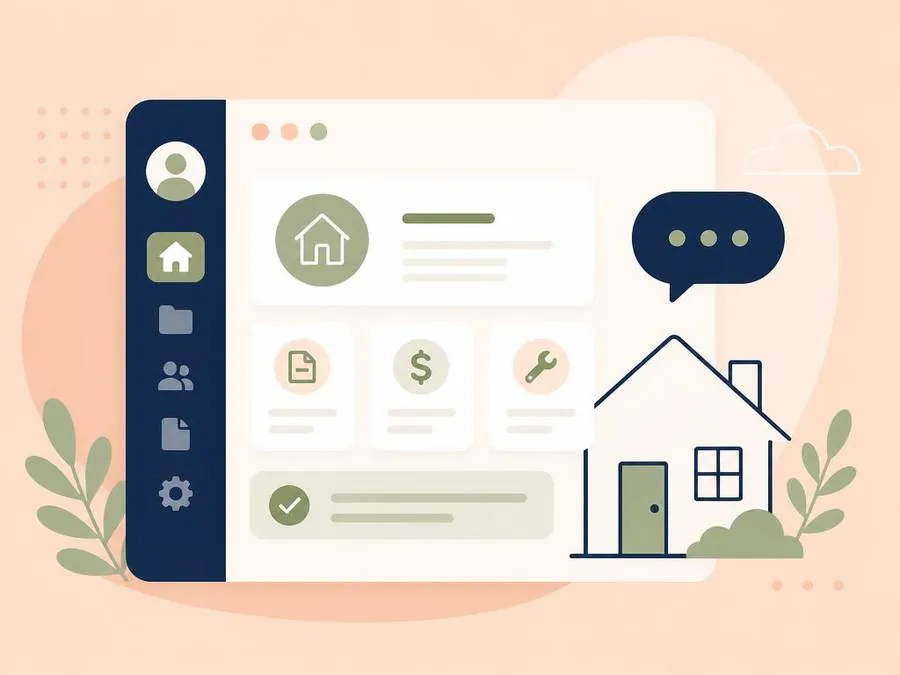
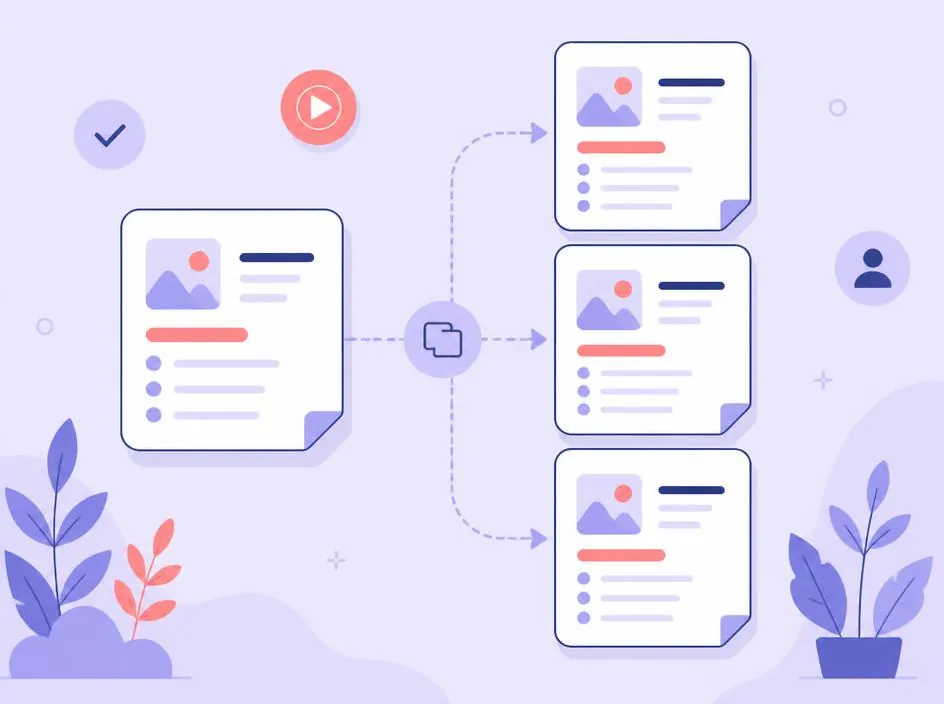
Client Templates are used to group different types of clients into different buckets, and help you onboard new client instantly. Templates hold default tasks, resources, an intro video, and more so that your buyers and sellers will have everything they need right at their fingertips from the start.
Intelligent implementation, for you
When a transaction is created, the template is copied onto it. Editing a template later improves your next deal without rewriting the ones already in motion.
As many as you need
You can have a simple setup of just one buyer and one seller template, or you can be as granular as you'd like. Create templates for cash buyers, off market sellers, and more to give a tailored client experience, every time.
In practice
Let's review a couple examples. This week, you signed on new buyer (John) and seller (Mary) clients. Instead of having to send them a couple intro emails, contacts over text, and manually review your new-client checklist every time, you simply create a new deal in Sequent for each client and select which template to use.
Your buyers use your default buyer template, so when they visit their portal for the first time they'll be greeted by your custom intro video. Once complete, they'll already see a couple pre-defined tasks that your template added to their portal, one of which is to talk to one of your lenders. John clicks on the Resources button in his portal and navigates to the one with your lender's contact information.
Mary is getting ready to sell her house, so when you create a deal for her in Sequent you select your standard seller template. She'll see a different intro video (or the same one, if you choose) and will immediately be asked to fill out a simple form with some questions about her home's condition and features, and a couple days she's available for your photographer to stop by. She has a quick question about other projects she can do before listing, so you direct her to the Resources page of her portal where you've added a link to an article with some simple ways to create curb appeal before listing.
That's a lot to read, and even more for both you and your clients to do! Luckily, with Sequent, this whole process will take you less than a minute once your templates are set up and will be easier to digest for your clients.
Experience it for yourself
Upgrade your business with the industry's most advanced active client management solution. Start your free 21-day trial now.
Start free trial